Xcode Neo

Xcode Neo

Beta

Build iPhone and Mac apps in the age of AI

Use your own AI Timeline Mini View

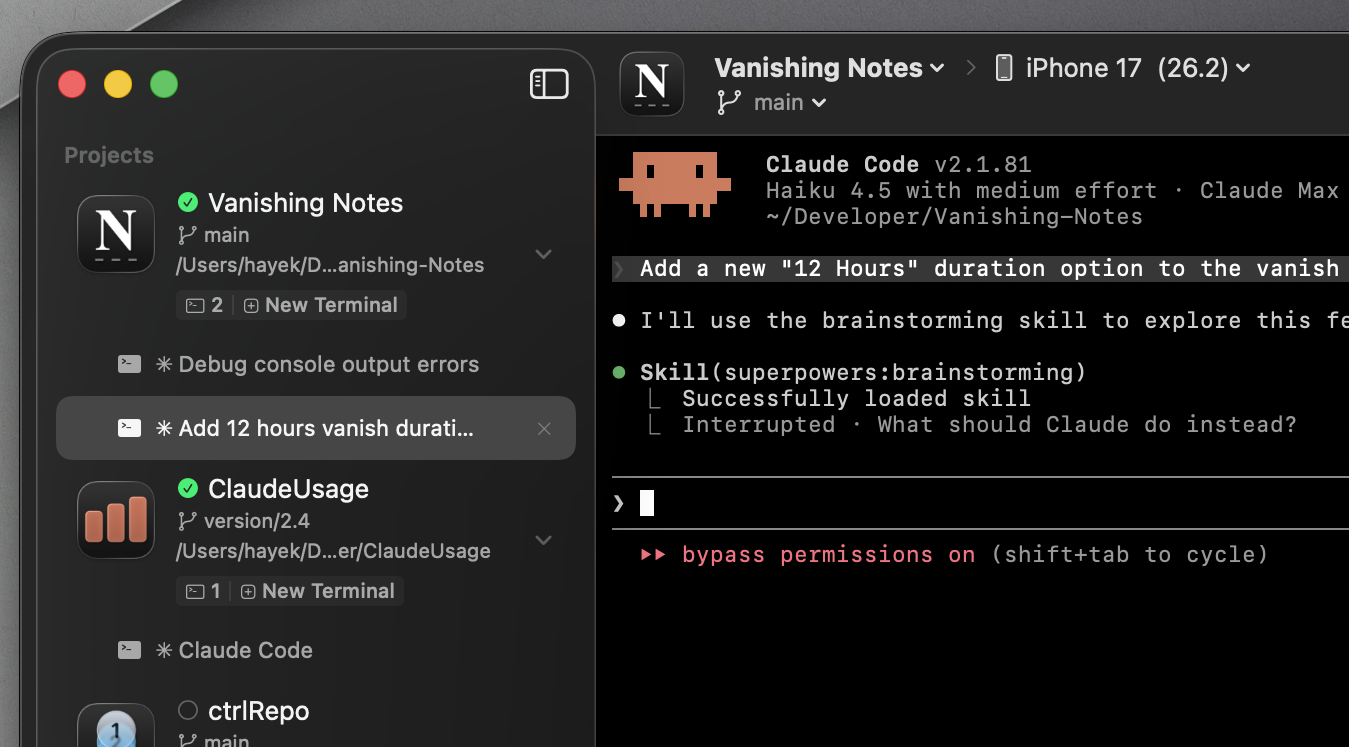
Bring your own AI. Connect Claude, your custom models, or any AI agent directly to your projects through MCP Server integration. Each project gets dedicated terminal tabs that auto-label from your commands. Let AI agents build, test, and run alongside you.

The Xcode you've been waiting for

Xcode Neo on Mac

The new way to develop iOS and Mac apps. Xcode Neo brings AI-powered development to the next level, letting you focus on building great apps while the tools handle the complexity.

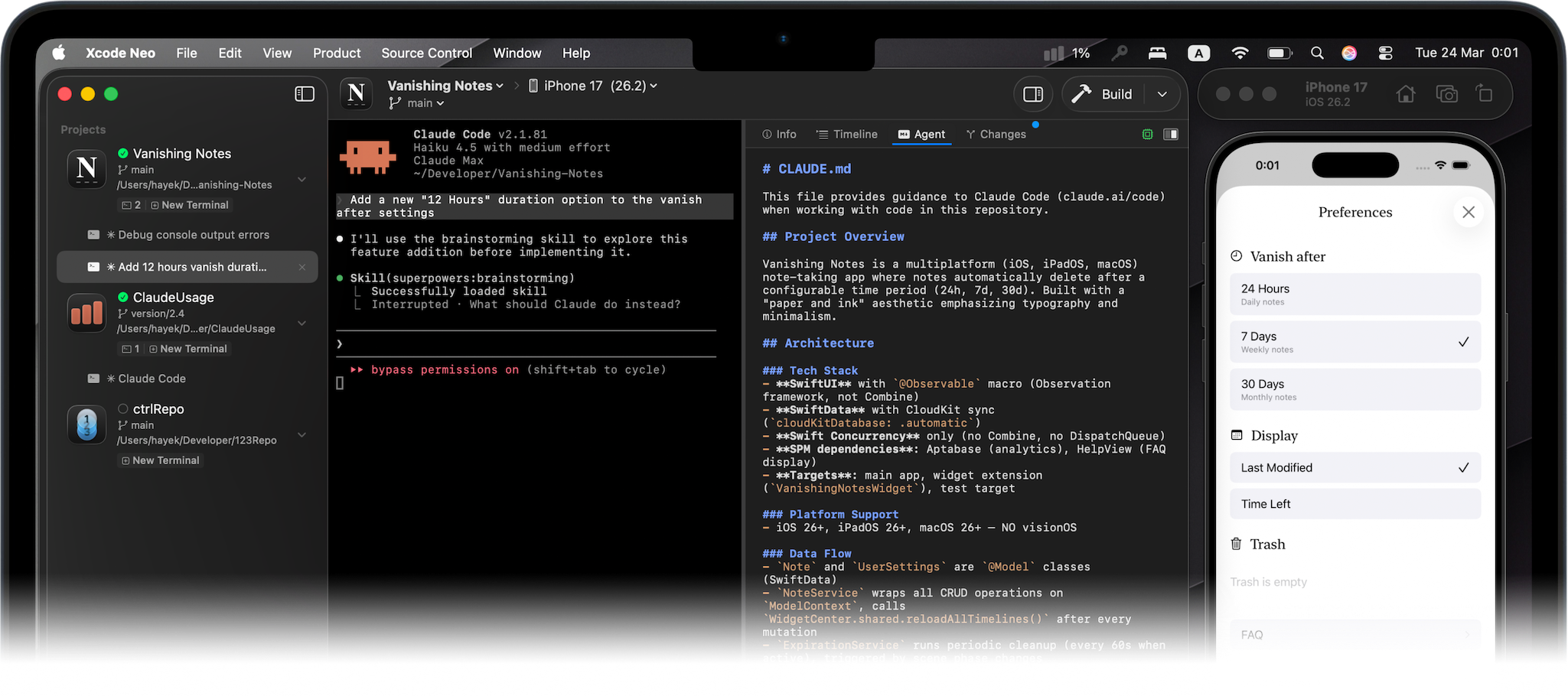
Work on multiple projects at once. In the AI era, developers don't work on single projects anymore. Xcode Neo brings all your projects into one unified workspace, letting you and your AI agents connect ideas across codebases and build better solutions, faster.

Your flow, your opinion. Wrappers will never be better than the real thing. You get a full terminal so you can use your AI agents, skills, and integrations exactly the way you want them. Build, test, debug, and deploy with complete control.

Your flow, your opinion
IDE for the AI tool

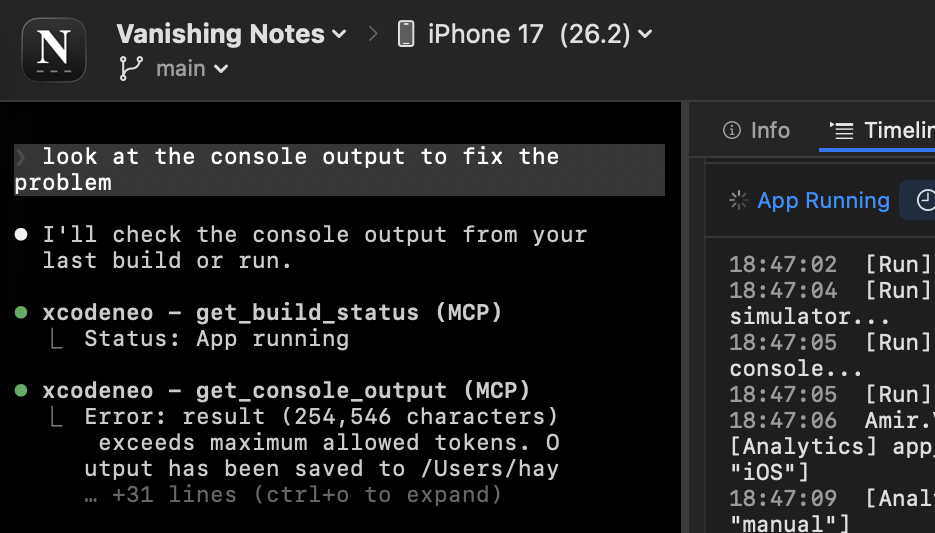
IDE for the AI tool. With the included Xcode Neo MCP, AI agents can build, run and even inspect the console output. The AI can add logs, run, inspect logs, iterate on solution and loop until task is done.

One Click MCP installation

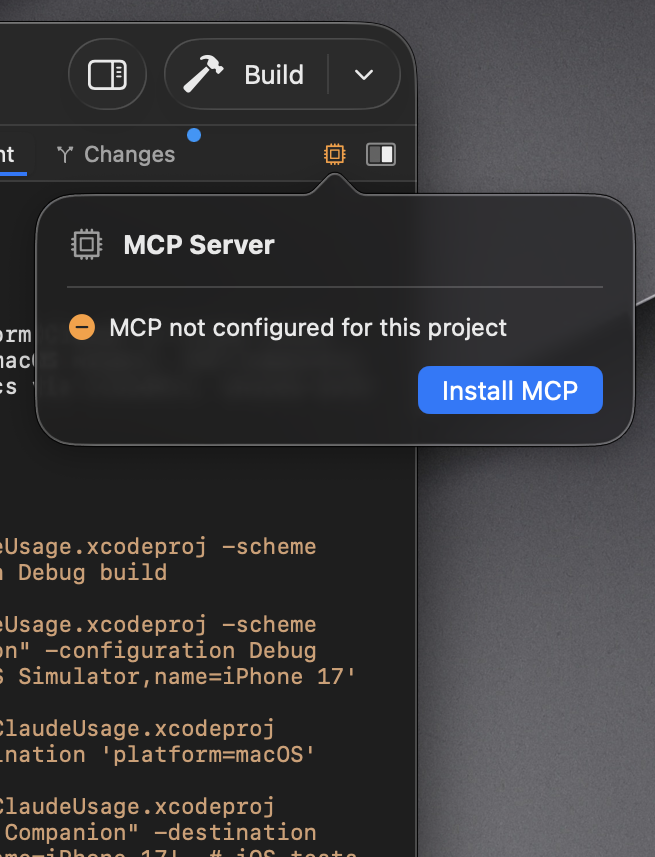
One Click MCP installation1. No need to get lost in config json files.

Install the Xcode Neo MCP with one click.
MCP are installed per project so they dont take context space where you do not need it.

Mini View

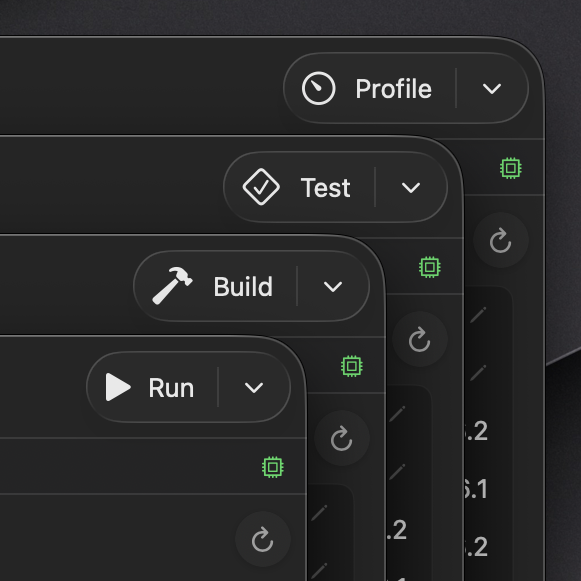
Never leave your editor. A floating window that lives above your favorite IDE. Build, run, stop, or test without context switching.

Cmd Option B

One global shortcut. Trigger Build, Run or any action from anywhere, without the need to cmd tab.

Actions

Actions. From Run and Build, to Run without building or SPM resolve packages and even clearing derrived data. All One click away.

New Project

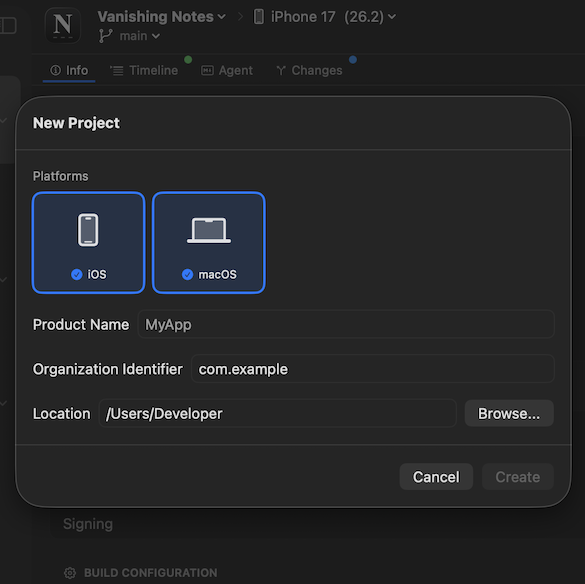
Create new projects. No need to open Xcode, just CMD + N to start a new iOS, Mac or multiplatform project.

And much more

Project Info

Update app versions and build numbers without context switching

Scheme Editor

Configure build schemes without the complexity

Git Integration

Commit, branch, and collaborate—all without leaving the app

Organizer

Archive your builds, organize your releases in one place

Simulators

Launch iOS and macOS simulators in seconds, control from one place

Tests

You and your AI see every test result. Debug and iterate together in real time

Apps Created with Xcode Neo

Frequently Asked Questions

What is Xcode Neo?

Xcode Neo is a modern Mac app for building native iPhone, iPad, and Mac applications with advanced developer tools and AI integration.

Does Xcode Neo include a code editor?

No, source code is just an implementation detail.
Still want to edit? "Open in Xcode" buttons are there for the remaining few of you.

When will the beta end?

We're actively developing Xcode Neo and will announce the stable release timeline soon. Stay tuned for updates.

Can I use my own AI models?

Yes, Xcode Neo supports integrating your own AI models through the MCP (Model Context Protocol) system.

What platforms does Xcode Neo support?

Xcode Neo is a Mac app that allows you to build apps for iPhone, iPad, and macOS.

Do I need Xcode installed?

Yes, Xcode Neo requires a full Xcode installation to build, run, test, and manage your iOS and macOS projects. You can download Xcode for free from the App Store.

  1. One Click MCP installation is supported on Claude Code CLI only.

Created by Amir Hayek